


























-45%
QNAP Rail kit for Rackmount NAS Models - RAIL-B02
Original price was: $283.80.$177.38Current price is: $177.38. 'inc. GST'
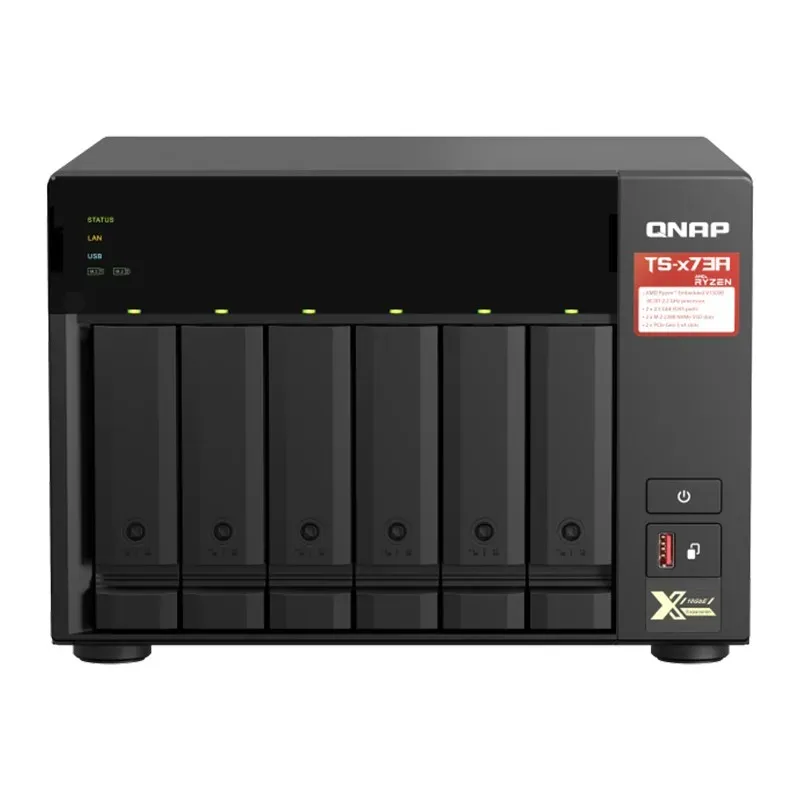
QNAP 6 Bay Diskless NAS AMD V1500B Quad Core 2.2GHz CPU 8GB RAM - TS-673A-8G
Original price was: $2,299.00.$2,246.75Current price is: $2,246.75. 'inc. GST'

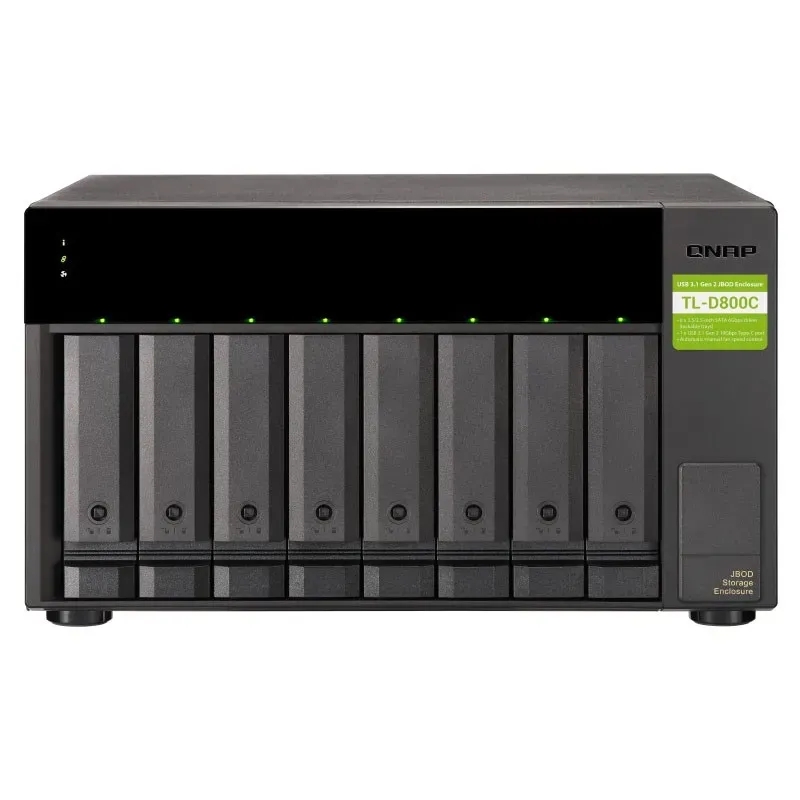
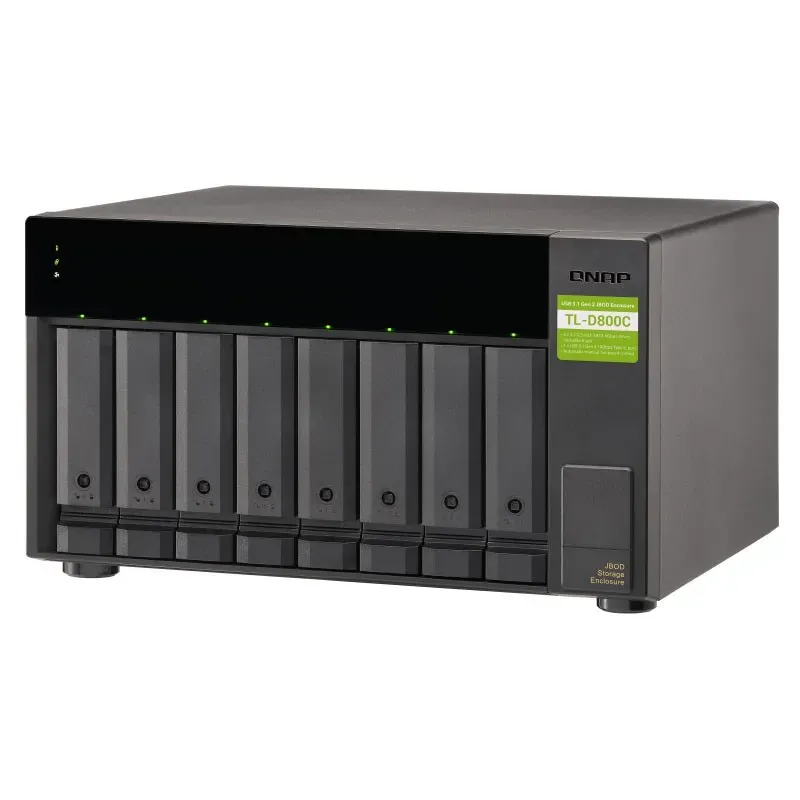
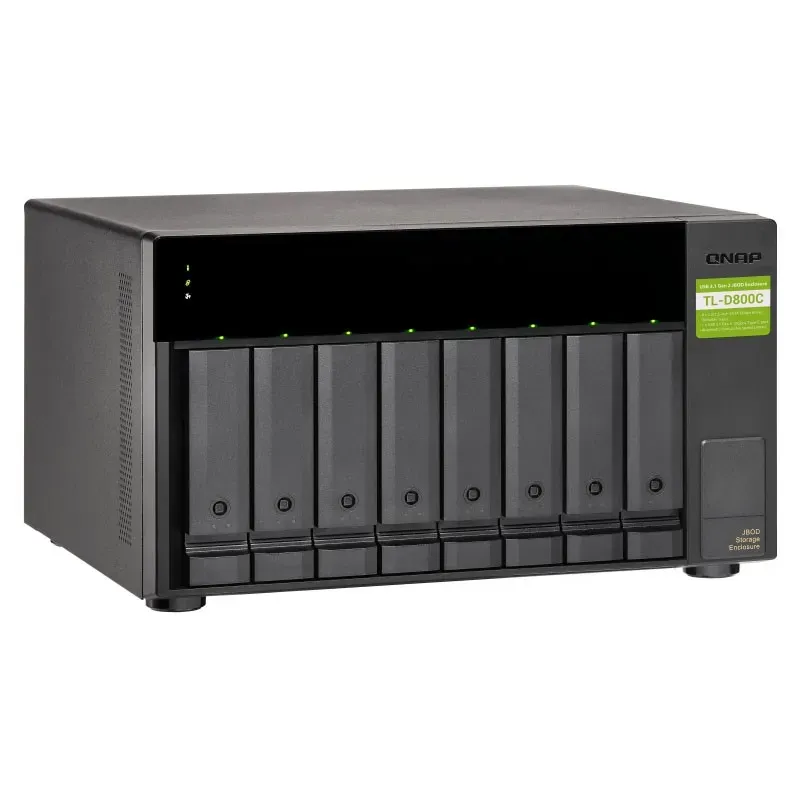
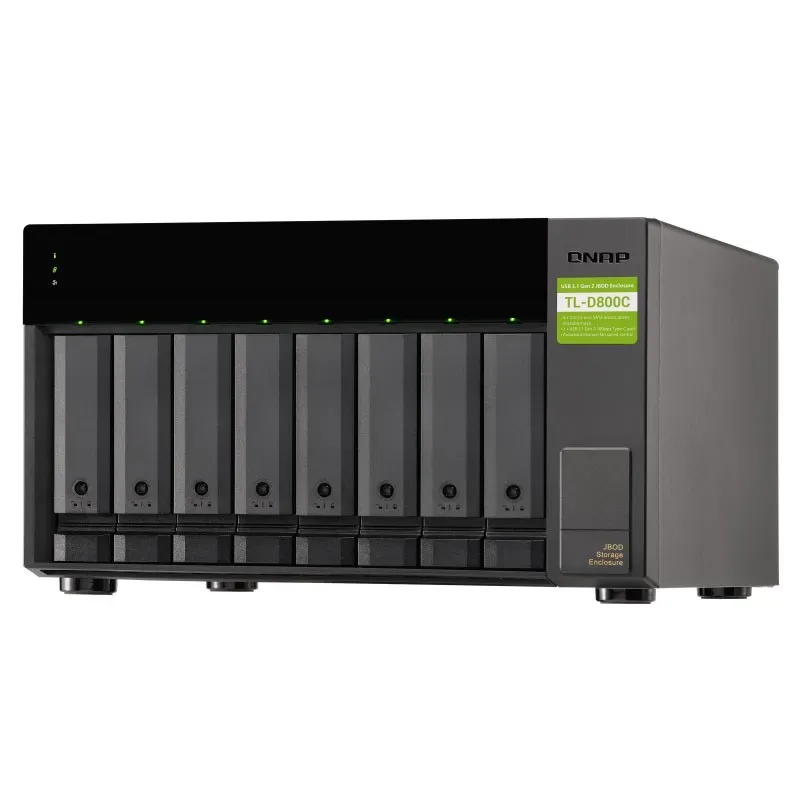
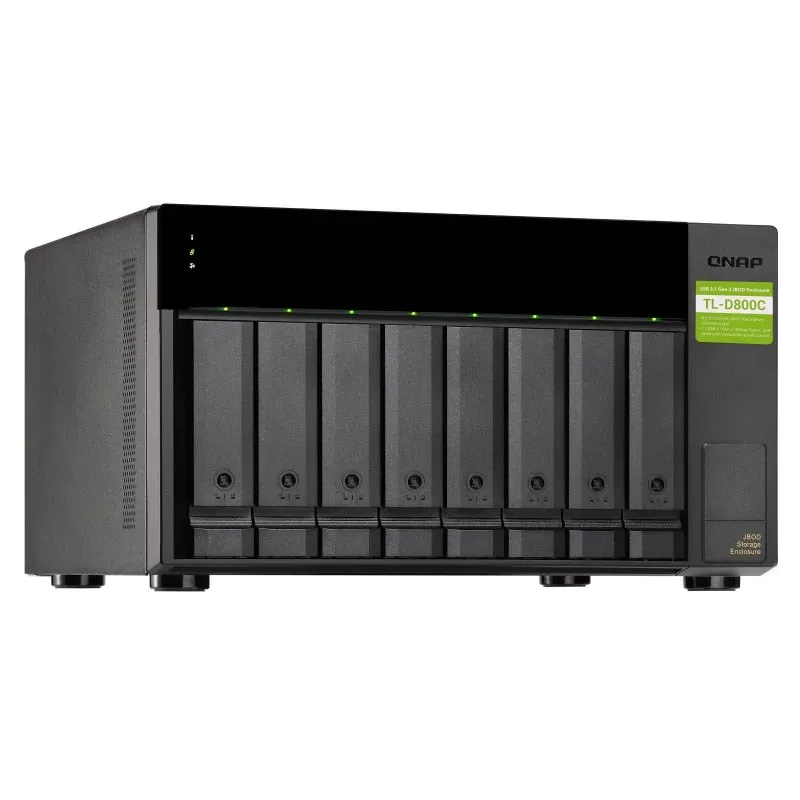
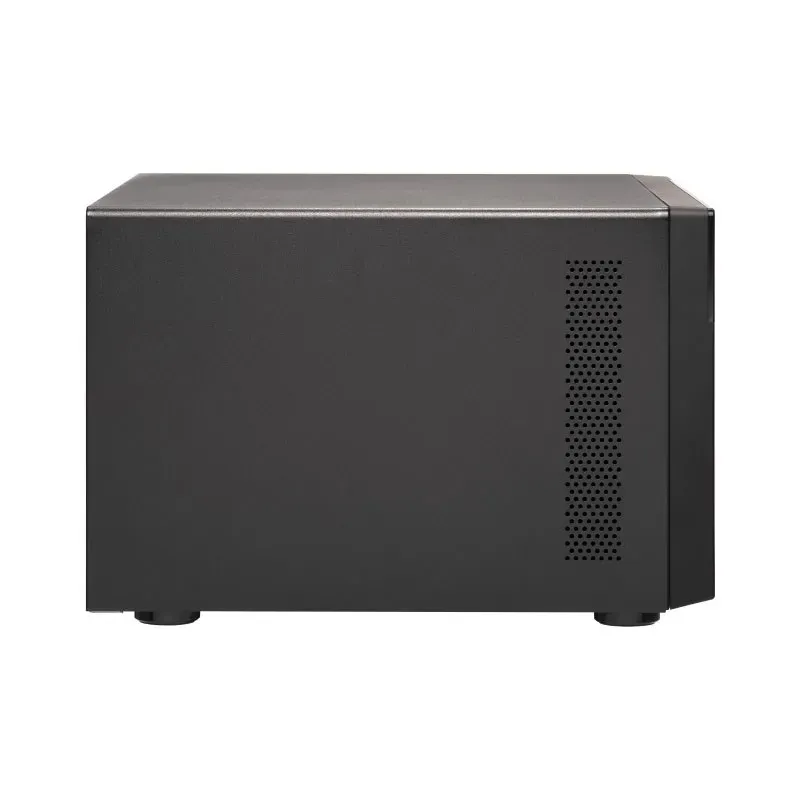
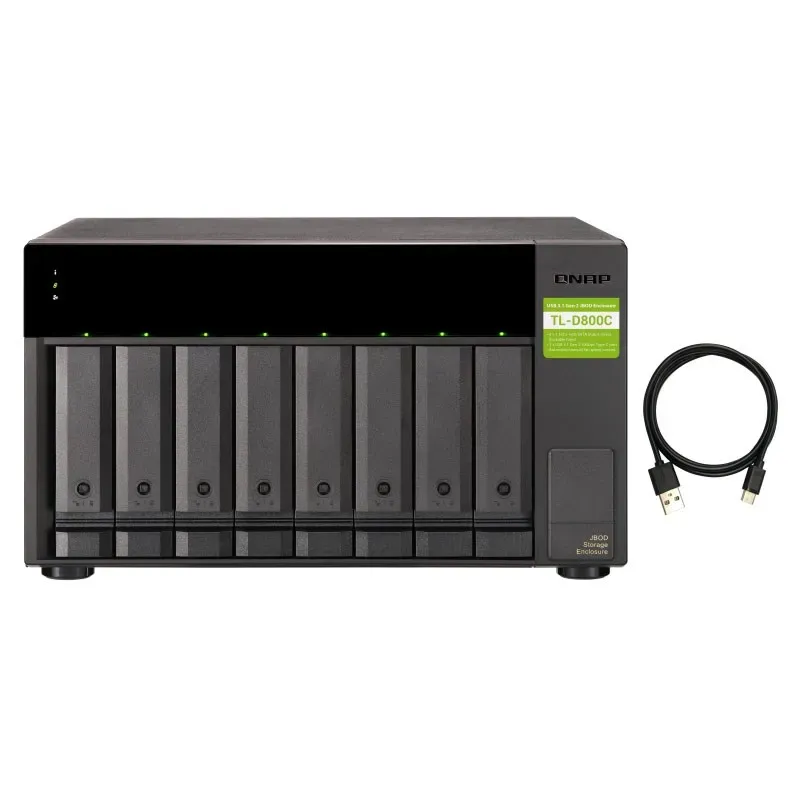
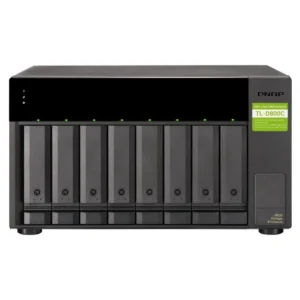
QNAP 8 Bay Desktop USB JBOD SATA Storage Expansion Enclosure – TL-D800C
Original price was: $2,417.80.$1,323.75Current price is: $1,323.75. 'inc. GST'
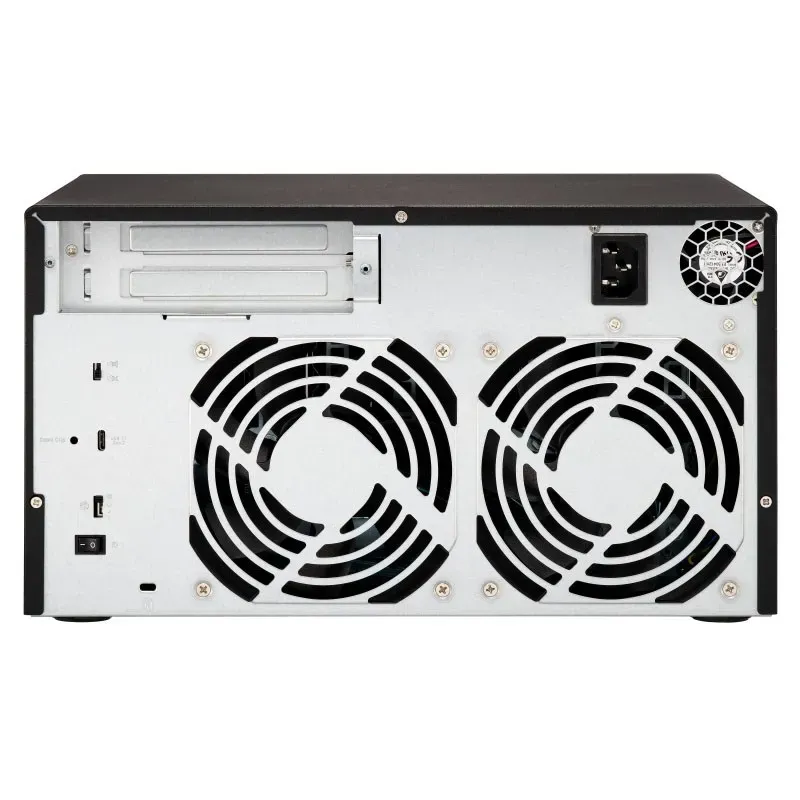
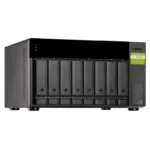
QNAP 8 Bay Desktop USB JBOD SATA Storage Expansion Enclosure – TL-D800C features USB 3.2 Gen 2 Type-C connectivity, support for eight SATA drives, hot-swappable bays, and reliable storage expansion for QNAP NAS, Windows, and Ubuntu systems, 2year warranty.
In stock
Vendor Code:
Description
The TL-D800C JBOD storage enclosure allows you to back up and expand your QNAP NAS. The TL-D800C features eight 3.5-inch SATA 6Gb/s drive bays with USB 3.2 Gen2 (10 Gbps) Type-C connectivity to provide a fast and smooth expansion solution.
Note:
- TL-D800C only supports devices with USB 3.2 Gen1 (or above) port.
- QNAP recommends following the standard procedure to connect or disconnect the TL-D800C. For more information, please see the TL-D800C user manual.
- The TL-D800C can only be used as an individual storage pool or volume on the NAS. Its storage pool/volume cannot be combined into the connected NAS. NAS applications cannot be installed on the TL-D800C.
- The TL-D800C only supports QNAP NAS running on QTS 4.4.2 (or above) or QTS hero operating system.
- The TL-D800C doesn’t support ASM1142 USB controller IC based USB ports and PCIe expansion cards (e.g. QNAP USB-U31A2P01 expansion card).
- Non-Server versions of Windows have a 63TB limit for a single volume. Thus, when connecting QNAP storage expansion products, the same limitation applies. For volumes larger than 63TB, it is recommended to use the Windows Server operating system.
- To ensure optimal system compatibility, transfer performance, and data integrity, please connect the external enclosure directly to the USB port of your NAS or PC. Do not connect a USB hub or docking station between the host system and the expansion unit.
USB 3.2 Gen 2 (10Gbps)
USB 3.2 Gen2 Type-C connectivity* provides up to 10 Gb/s data transfer speeds. The port can support USB Type-A to Type-C connection or Thunderbolt 3 Type-C connection using different cables.
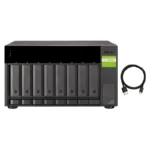
The package includes one USB 3.2 Gen2 Type-C to Type-A cable. Maximum 1M USB cable is recommended.
Lockable Drive Trays
Lockable hard drive trays prevent accidental drive removal.
Supports SATA Drives
Supports SATA 6Gb/s drives for reliable read/write performance.
High-Speed USB Transfer
The TL-D800C features high-speed USB 3.2 Gen2 Type-C connectivity and built-in USB Attached SCSI Protocol (UASP) to provide convenient fast file sharing and intensive data transfer. The TL-D800C not only provides you higher file transfer performance than USB 3.2 Gen1 (USB 3.2 Gen 1) but offers a more cost-effective option than other storage enclosures on the market.
Flexible Storage Configuration And Management
The TL-D800C provides software-controlled configurations for greater management flexibility. Users can use the QTS / QuTS hero Storage & Snapshots Manager to configure the TL-D800C as a storage enclosure for your QNAP NAS. The NAS expansion storage mode supports various NAS functions, including storage pools and snapshots. With TL-D800C, you can easily expand storage capacity.
JBOD Migration Speeds Up Remote File Transfers
Migrating a large number of small files or a single large data file by network environment can be time-consuming and consume significant network bandwidth that causes decreased work efficiency. The TL-D800C supports remote file transfer. All you have to do is set up the RAID configuration and store a large number of files. Then you can move the TL-D800C to another place and connect it with the NAS to experience the device’s simple plug and play feature and fast data migration.
Use TL-D800C As A High-Capacity Disk Drive Reader By Setting Up Single Disk Mode
You can treat each disk in your TL-D800C as an individual storage space, and also use it as a removable drive. It can function like a high-capacity disk drive reader. When one of disk reaches data storage limitation, you can remove it and put it into a dry box. Then swap a different disk into theTL-D800C empty drive slot. After that, you can install the disk that reached full data capacity into the TL-D800C and connect it with a NAS for direct file access.
Versatile Usage Scenarios To Meet Storage Expansion Needs
The TL-D800C meets many storage expansion requirements for the home and office. Below is a list of potential usage scenarios:
- Scenario 1: Expand Your NAS Capacity
The TL-D800C provides an alternative method for users to expand their NAS storage capacity. By connecting the TL-D800C to their NAS and using the Storage & Snapshots Manager in QTS or QTS hero, users can easily configure and manage their storage expansion. The TL-D800C supports a variety of QNAP NAS storage and file management functions, allowing users to build storage pools, finding files with Qsirch, and organizing files with Qfiling.
- Scenario 2: External Storage For Your NAS
You can use the TL-D800C to expand your NAS storage. You can select disks to create storage pools for expanding your NAS capacity, or you can treat each disk as an individual external storage space and use it as a removable drive for greater flexibility. Regardless of the mode you use, you can always use Storage & Snapshots Manager in QTS or QTS hero to set up and manage your TL-D800C and use hard drive S.M.A.R.T. and Notification Center to check disk status anytime and anywhere.
- Mode 1: Expand NAS Capacity With Storage Pool Mode
You can use Storage & Snapshots Manager in QTS or QTS hero to configure the RAID storage pool for your TL-D800C and expand NAS capacity.
- Mode 2: Expand Your NAS With External Storage Mode
You can treat each disk on your TL-D800C as an individual storage space and expand your NAS capacity. For example, it will show 8 independent external disks on an 8-bay NAS.
Specifications:
| JBOD Connection Interface | USB |
| Drive Bay | 8 × 3.5-inch |
| Drive Compatibility | 3.5-inch bays: 3.5-inch SATA 6Gb/s, 3Gb/s hard disk drives
2.5-inch SATA 6Gb/s, 3Gb/s solid state drives |
| Note | The system is shipped without HDD. |
| RAID Compatibility | You can only use one disk type (HDD or SSD) in a RAID group. Combining different types of disks in one RAID group is not supported. |
| Hot-swappable | Yes |
| Form Factor | Tower |
| Host Interface | 1 × USB 3.2 Gen 2 Type-C |
| LED Indicators | HDD 1–8, Status, Link, Fan Error |
| Buttons | Power Switch |
| Dimensions (H × W × D) | 188.2 × 329.3 × 281.4 mm |
| Dimensions Note | Dimensions do not include foot pad (foot pad may be up to 30 mm / 1.18 inches high depending on model) |
| Weight (Net) | 8.13 kg |
| Weight (Gross) | 8.4 kg |
| Operating Temperature | 0 – 40°C (32°F – 104°F) |
| Storage Temperature | -20 – 70°C (-4°F – 158°F) |
| Relative Humidity | 5–95% RH non-condensing, wet bulb: 27°C (80.6°F) |
| Power Supply Unit | 250W PSU, 100–240V |
| Power Consumption (Operating Mode, Typical) | 48.4 W |
| Power Consumption Note | Tested with drives fully populated. |
| Fan Mode Switch | Auto, High, Medium, Low |
| Fan | 2 × 120 mm, 12VDC |
| System Warning | Buzzer |
| Kensington Security Slot | Yes |
| QTS / QuTS hero Support | Yes |
| Windows Support | Yes |
| Ubuntu Support | Yes |
| Standard Warranty | 2 Years |
Additional information
| Brand | QNAP |
|---|---|
| Form Factor | Tower |
Reviews (0)
Shipping & Delivery
Download Brochure

Related products
-13%
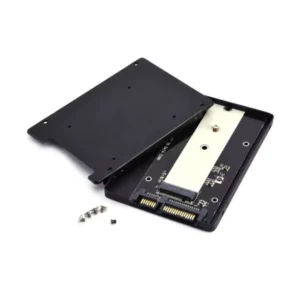
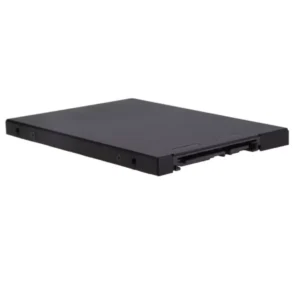
Simplecom SA102 NGFF M.2 (B Key) to 7mm 2.5″ SATA Converter Enclosure Aluminium
Original price was: $19.00.$16.50Current price is: $16.50. 'inc. GST'
-12%
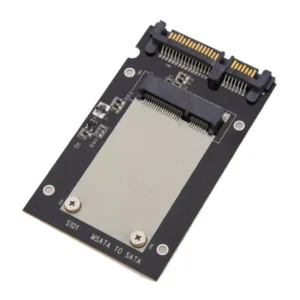
mSATA to 7mm 2.5″ SATA Converter Enclosure (Aluminium) SA101 Simplecom
Original price was: $19.00.$16.72Current price is: $16.72. 'inc. GST'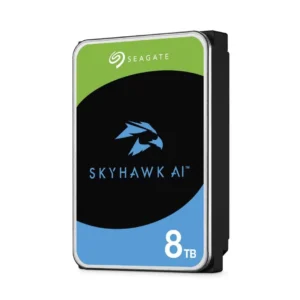
-43%
Seagate Skyhawk AI 8TB Video Internal Hard Drive HDD 3.5 Inch SATA 6 Gb/s
Original price was: $1,463.00.$840.26Current price is: $840.26. 'inc. GST'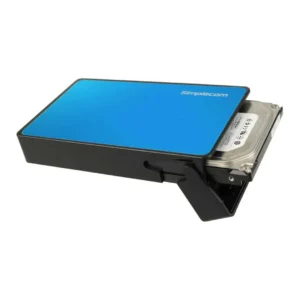
-12%
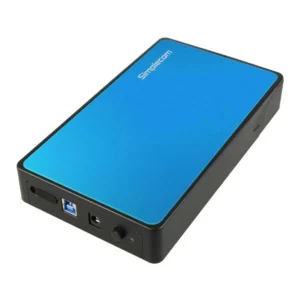
Simplecom SE325 Tool Free 3.5″ SATA HDD to USB 3.0 Hard Drive Enclosure – Blue Enclosure
Original price was: $49.00.$43.12Current price is: $43.12. 'inc. GST'
-16%

StarTech.com Standalone Hard Drive Duplicator, External Dual Bay HDD/SSD Cloner/Copier, USB to SATA III Docking Station wty 2 year
Original price was: $240.89.$203.27Current price is: $203.27. 'inc. GST'


Reviews
There are no reviews yet.