






















-17%Hot
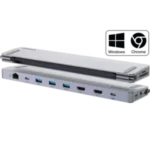
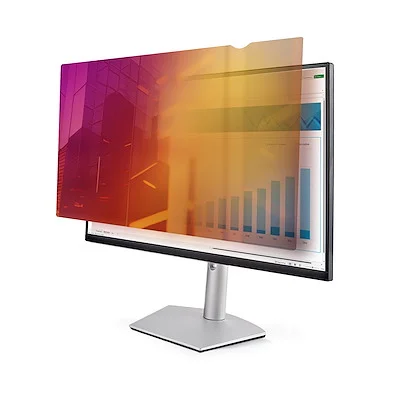
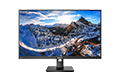
24-inch 16:10 Gold Monitor Privacy Screen - 2461G-PRIVACY-SCREEN
Original price was: $231.12.$193.00Current price is: $193.00. 'inc. GST'
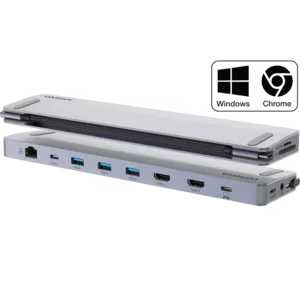
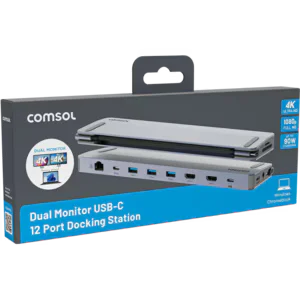
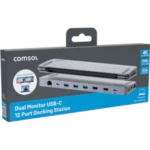
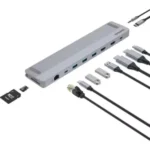
USB-C Dual HDMI Monitor 12 Port Docking Station -CM24HDA
Original price was: $149.00.$124.00Current price is: $124.00. 'inc. GST'
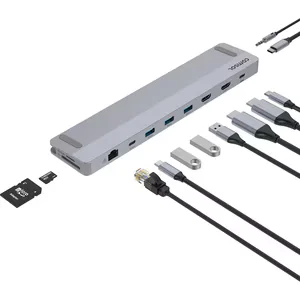
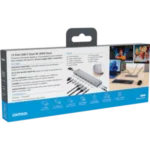
Expand your laptop connectivity with the USB-C Dual HDMI Monitor 12-Port Docking Station. Supports dual 4K 60Hz displays, fast data, Gigabit Ethernet, USB peripherals, and up to 90W laptop charging.
In stock
Vendor Code:
Description
USB-C Dual HDMI Monitor 12 Port Docking Station
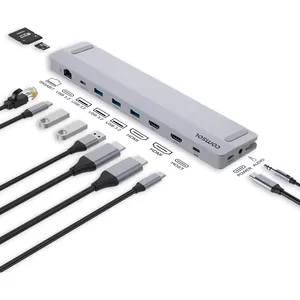
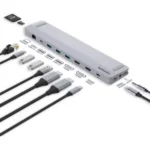
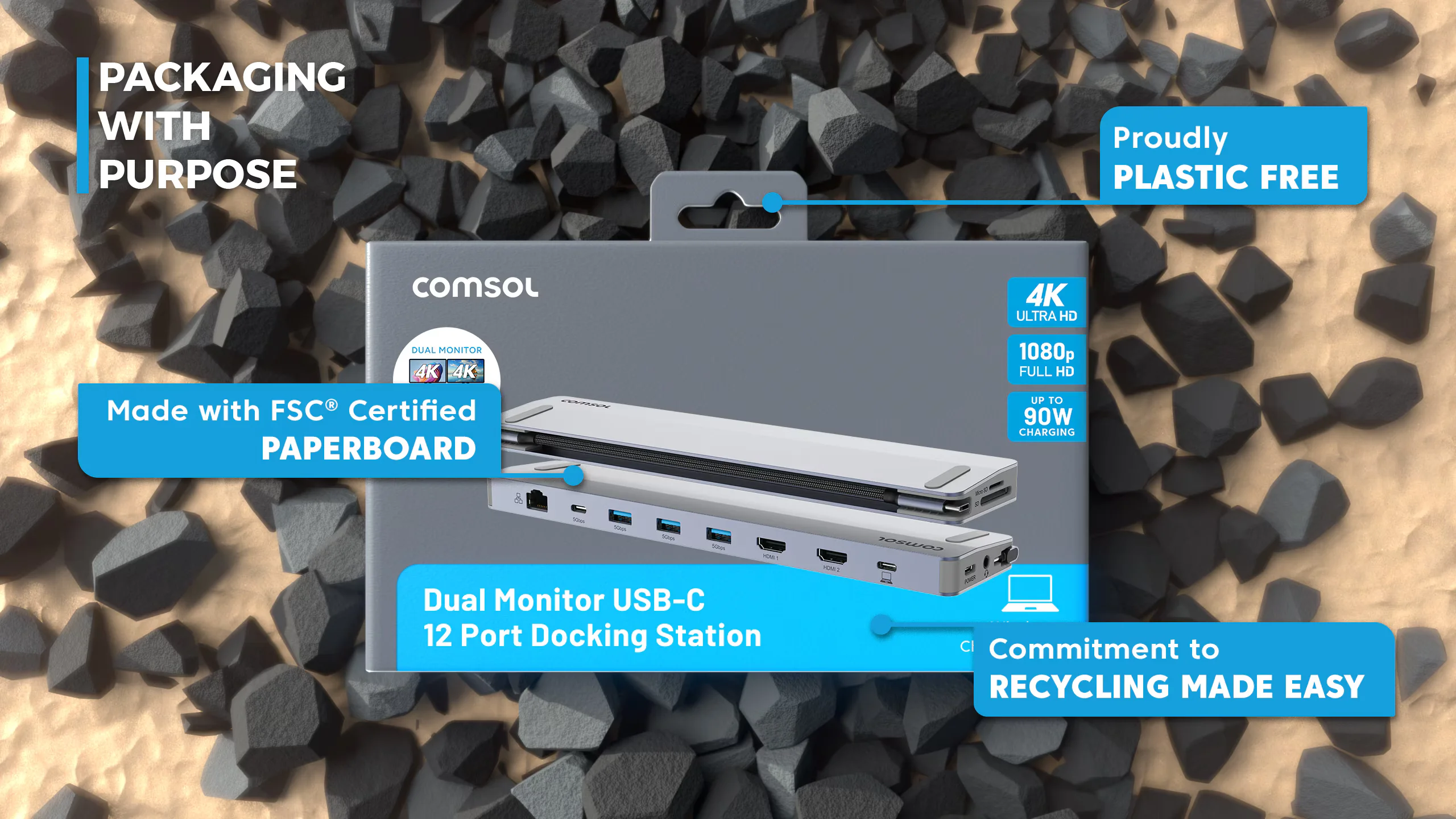
The USB-C Dual HDMI Monitor 12-Port Docking Station is a versatile hub that expands a single USB-C port into a full workstation solution. With support for dual 4K UHD displays, fast data transfer, wired networking, peripheral connectivity, and laptop charging, it transforms laptops and Chromebooks into productive desktop setups.
- 90W Fast Charging
- USB-C 12-Port Dock
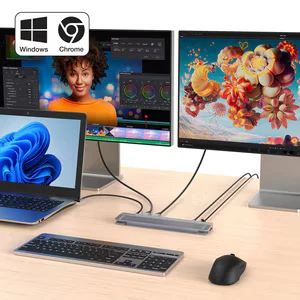
- Dual Monitor Output
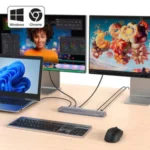
- Supports Win & ChromeOS
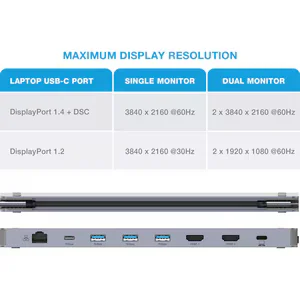
- 4K UHD 3840 x 2160

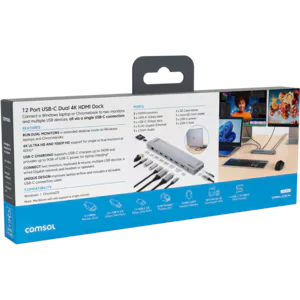
Key Features:
- RUN DUAL MONITORS
in extended desktop mode on a Windows laptop or Chromebook
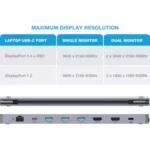
- 4K ULTRA HD AND 1080P HD
Support for single or dual monitors at 60Hz
- USB-C CHARGING
Supports USB-C chargers up to 140W and provides up to 90W of USB-C power for laptop charging
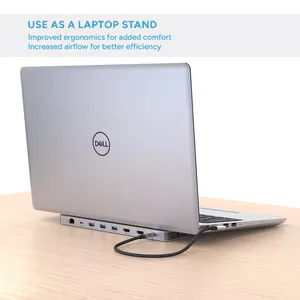
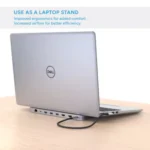
- UNIQUE DESIGN
Improves laptop airflow and includes a stowable USB-C connection cable


Specifications:
| Windows Monitor Support | Yes |
| Mac / Chrome Monitor Support | ChromeOS: YesmacOS: Single Monitor |
| Maximum Single Display Resolution | 3840 × 2160 @ 60Hz (4K UHD) |
| Maximum Dual Display Resolution | 2 × 3840 × 2160 @ 60Hz (4K UHD) |
| Power Supply Included | No |
| Host Port Connection | USB-C |
| Product Dimensions (W × D × H) | 250 × 55 × 16 mm |
| Product Weight | 229 g |
| Operating System Compatibility | Windows, ChromeOS |
| Host USB-C Display Requirement | USB-C video output via DisplayPort Alt Mode |
| Certifications | AS/NZS 62368-1:2022, RCM, EMC |
| Connectivity |
|
Compatibility:
Video Output
Supports USB-C Video between supported devices, for example most:
- Windows Laptops
- ChromeOS Devices
Windows/ChromeOS Laptop Compatibility
Compatible with modern USB-C laptops that support video output over USB-C (DisplayPort Alt Mode).
Not supported on devices with data-only USB-C ports.
To check if your laptop supports video output over USB-C, look for a DisplayPort (DP), USB4 or Thunderbolt symbol next to the USB-C port.
If there are no markings next to the USB-C port, refer to the specifications listed in the user manual of your laptop. Look for mentions for “DisplayPort Alt Mode”, “Thunderbolt” or “USB-C video output.”
USB-C Ports without these indicators generally support data and charging only.
Additional information
| Brand | |
|---|---|
| Adaptor Type |
Docking Station |
Reviews (0)
Shipping & Delivery
Related products
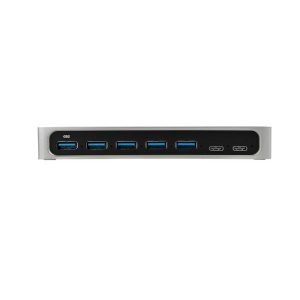
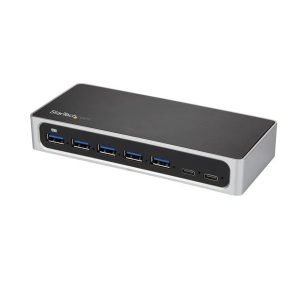
StarTech 7 Port USB-C Hub USB-C 2 USB 5 DC 2Yr
Original price was: $204.06.$178.00Current price is: $178.00. 'inc. GST'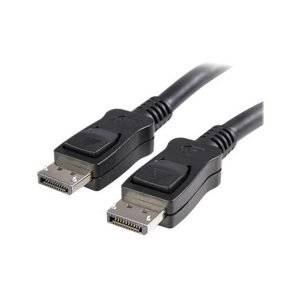
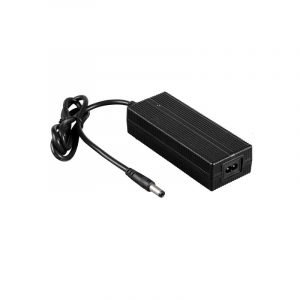
180W Power Adapter
$75.00
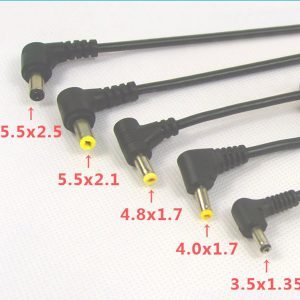
75W Power Adapter
$39.00
Reviews
There are no reviews yet.